A native Jellyfin player
Your movies.
A better seat.
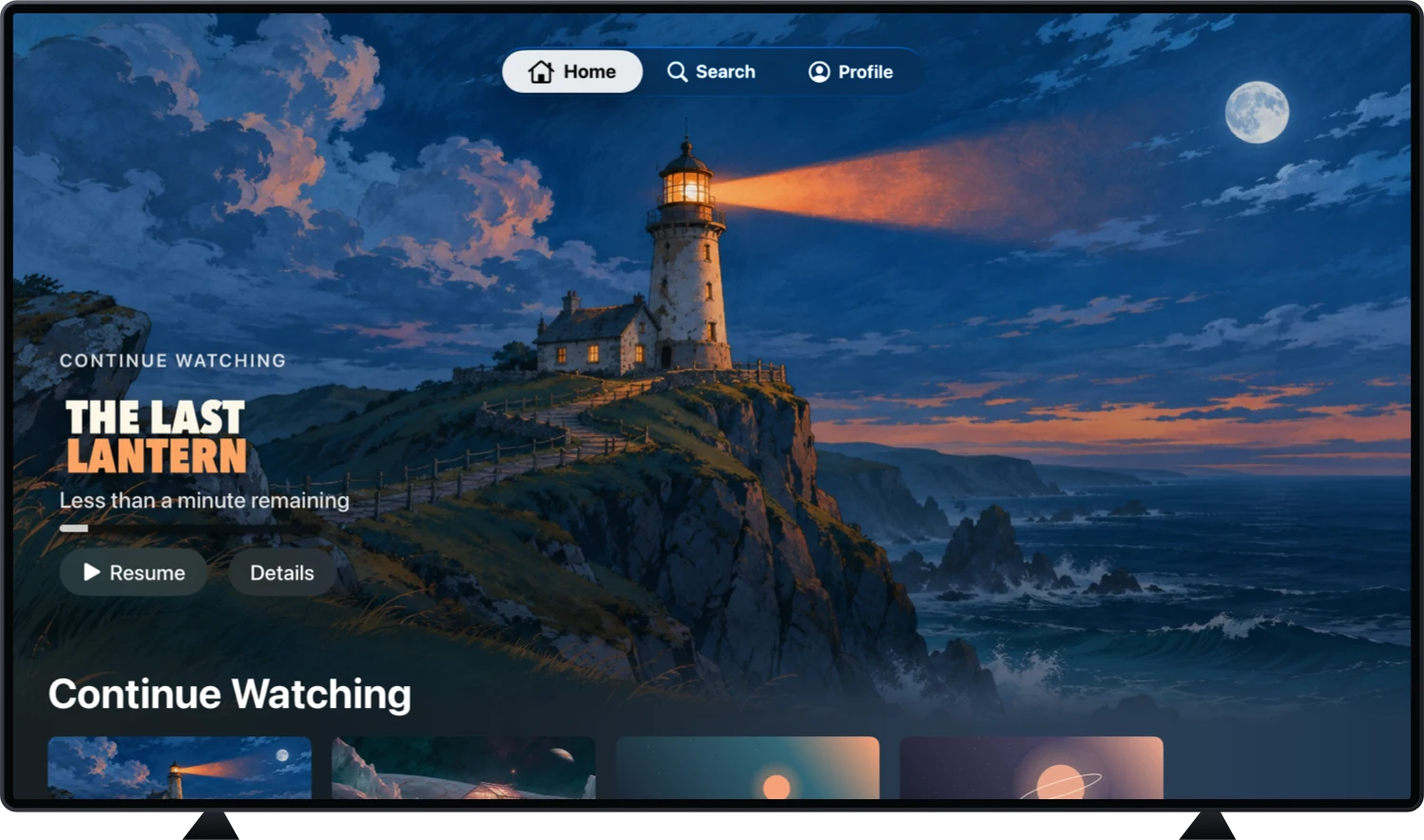
A cinematic home for your Jellyfin library. Choose a profile, find tonight’s movie and get straight to watching on iPhone, iPad, and Apple TV.
Preparing for App Store release
Movie details
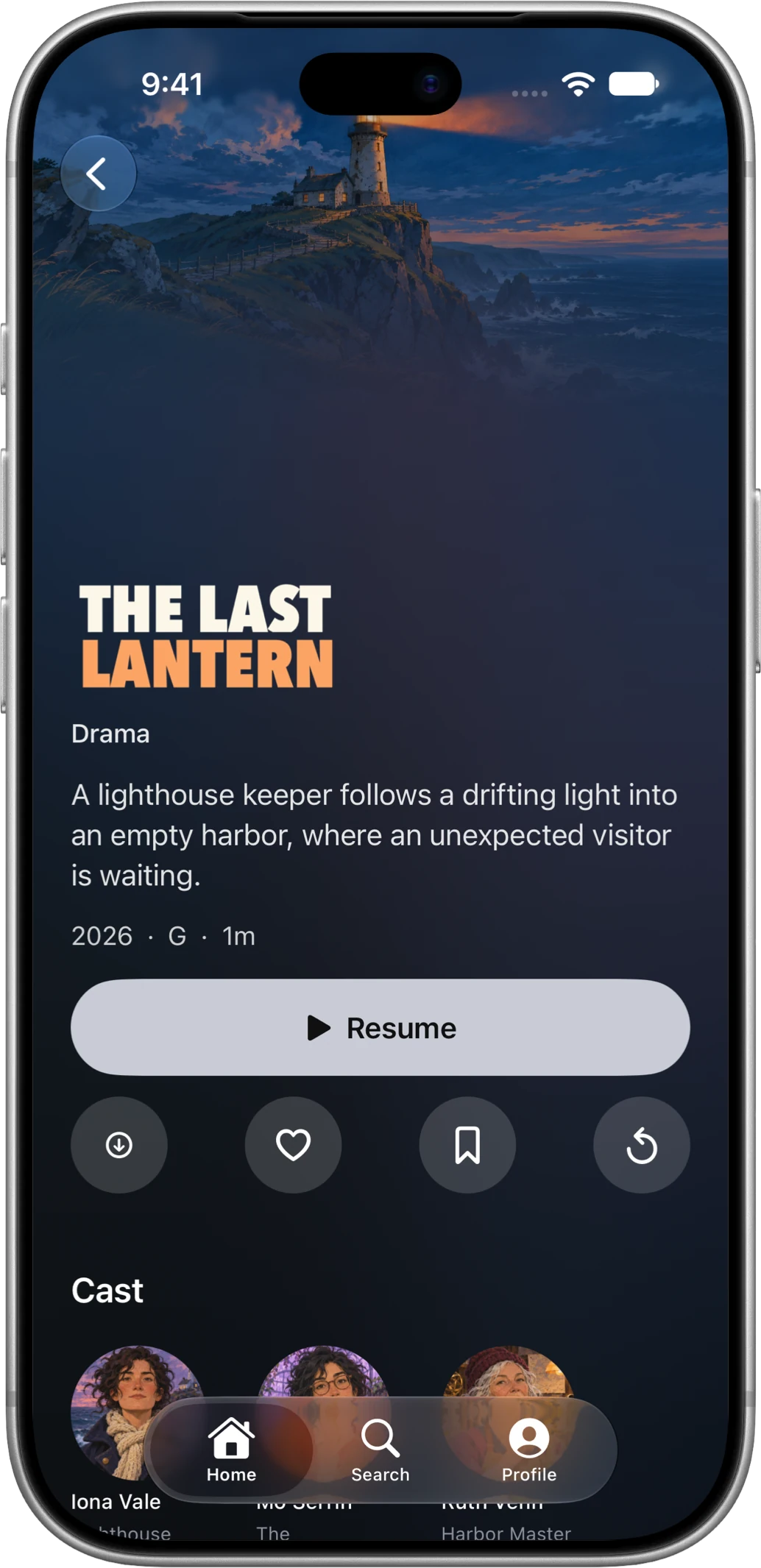
Find tonight’s movie.
Explore the story, cast, crew, and bonus features when your library has them.
A library worth browsing
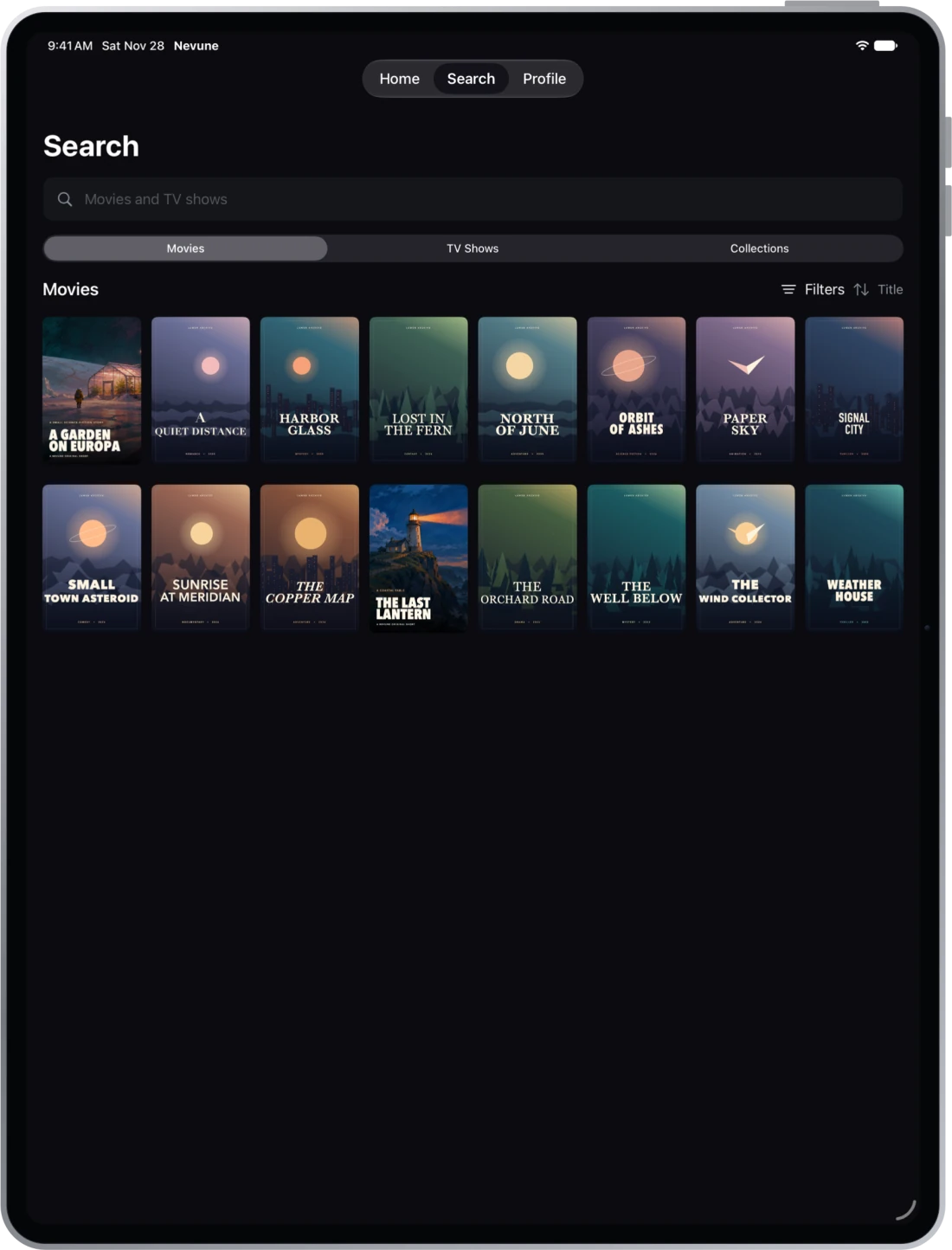
Find your next favorite.
Browse and filter your library in one place. Save a title for later, or jump right back to what you were watching.
Make movie night yours.
Keep watchlists and progress separate by Jellyfin profile. Use PIN Mode with a numbers-only Jellyfin password or sign in with the full keyboard. Play your media in Apple’s native video player.
Nevune requires access to an existing Jellyfin server. It doesn’t provide a streaming catalog or Jellyfin hosting.
Get help with Nevune